
This document is a quick installation guide for D-Link DI-808HV.
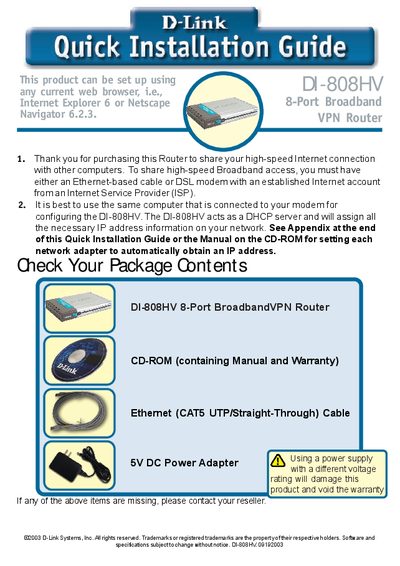
This Quick Installation Guide walks you through the basic steps to set up the D-Link DI-808HV 8‑Port Broadband VPN Router. It covers connecting the power adapter, linking the WAN port to your modem, and attaching computers to the LAN ports. The router’s LEDs indicate power, WAN, and LAN status, and the LAN ports support Auto MDI/MDIX for straight‑through or crossover Ethernet cables.
After hardware connections, the guide explains how to access the web‑based configuration interface at http://192.168.0.1, log in with the default admin credentials, and run the Setup Wizard. The wizard assists you in setting a password, choosing a time zone, and configuring the Internet connection type (Dynamic IP, Static IP, PPPoE, or Dial‑up). Technical support contact information for the United States and Canada is provided at the end.
| Ports | 8 Ethernet LAN ports |
|---|---|
| Power Adapter | 5V DC |
The LAN ports support Auto MDI/MDIX, so you can use either straight‑through or crossover Ethernet cables.