
Key facts
- Brand
- Casio
- Model
- EX-Z800
- Category
- Digital cameras
- Industry
- Electronics
- Documents
- 5
- Languages
- EN · ZH
- Last added
- 2012-06-06
Start here
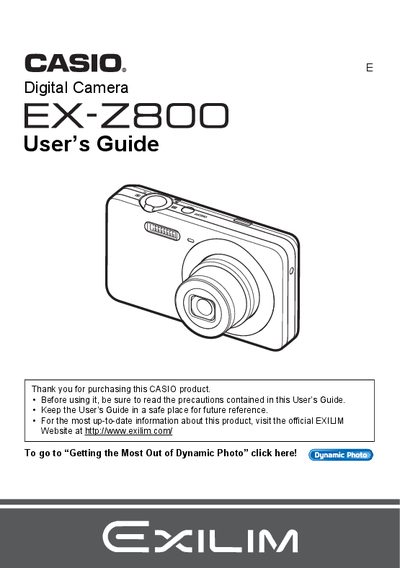
casio digital camera EX-Z800 User s Guide (1)(1)
The manual covers the unboxing of the Casio EX-Z28 digital camera, including checking included items like the NP-80 battery and BC-81L charger. It details how to configure basic settings for the first time, such as preparing a memory card and setting up the date and time.
Read onlineCasio EX-Z800 specifications
| Pixel Yield | 99.99% |
|---|---|
| Maximum Image Resolution | 640 × 480 pixels |
| Battery Model | NP‑80 |
| Charger Model | BC‑81L |
Source: Casio EX-Z800 Camera User Manual
All Casio EX-Z800 documents by type
Day-to-day operation, settings and troubleshooting. Start here if the product is already set up.
Questions answered in these manuals
What is the pixel yield of the camera's LCD panel?
The liquid crystal panel provides a pixel yield in excess of 99.99%.
What is the maximum number of snapshots this camera can record?
The camera can store up to 9,999 snapshots.
What is the maximum recording time for a movie?
A single movie file can be up to 10 minutes long.
What battery does the EX‑Z800 use?
The camera uses an NP‑80 rechargeable battery.
How can I format the internal memory?
Select the format (初始化) option in the menu to initialize the internal storage.
How do I charge the battery?
Insert the NP‑80 battery and connect the C‑81L charger to charge it.