
Key facts
- Brand
- Casio
- Model
- EX-Z750
- Category
- Digital cameras
- Industry
- Electronics
- Documents
- 3
- Languages
- EN · ZH
- Last added
- 2012-06-06
Start here
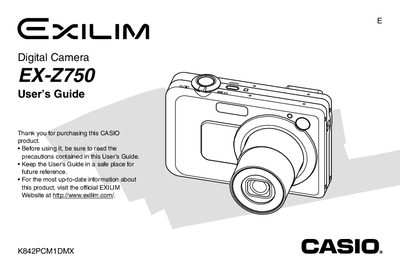
Casio EX-Z750 Digital Camera User's Guide
The Casio EX-Z750 is a compact digital camera featuring optical zoom, digital zoom, various shooting modes including Best Shot and Movie modes, and manual exposure controls. The device supports SD memory cards and includes features such as face detection, histogram display, and image review functions to assist users in capturing high-quality photos.
Read onlineCasio EX-Z750 specifications
| Dimensions (Camera) | 89(W) x 58.5(H) x 22.4(D) mm |
|---|---|
| Weight (Camera) | Approximately 127 g (4.5 oz) |
| Battery Type | Rechargeable Lithium ion Battery (NP-40) |
All Casio EX-Z750 documents by type
Day-to-day operation, settings and troubleshooting. Start here if the product is already set up.
Questions answered in these manuals
What is the approximate weight of the camera?
The camera weighs approximately 127 g (4.5 oz) excluding the battery and accessories.
Does this camera support SD cards?
Yes, the manual includes a section on using an SD memory card to store images.
How do I charge the battery?
First, charge the battery before use.
How can I change the display language?
Use the menu option to configure the display language and settings.
How do I charge the battery?
Insert the NP‑40 lithium‑ion battery into the charger and connect the AC adapter; charging instructions are on page 34.
How can I change the display language and clock settings?
Use the menu to configure the display language and set the clock as described on page 50.