
This document is a user manual for Casio digital cameras, providing information on precautions before use, product accessories, installation of straps, characteristics of the LCD screen, and steps for test shooting.
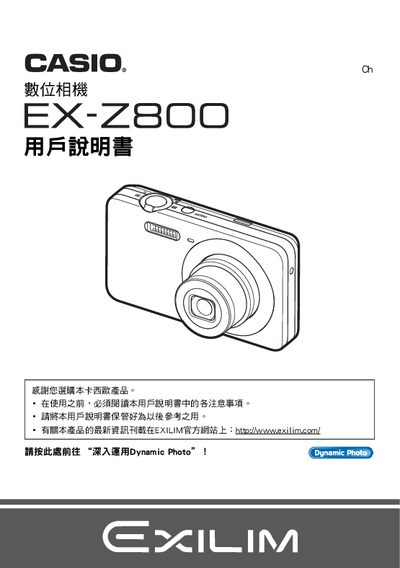
This manual guides you through unpacking the EX‑Z800, checking the included items, installing the NP‑80 rechargeable battery and C‑81L charger, and performing the initial setup such as charging the battery and formatting the memory card. It also explains basic camera handling, power‑on procedures, and quick‑start functions.
Later sections cover the various shooting modes, Best Shot and Dynamic Photo features, playback options, USB and Eye‑Fi wireless transfer, and detailed troubleshooting tips. Reference tables list specifications, button functions, and menu navigation to help you get the most out of your camera. This manual is written in Chinese.
| LCD pixel yield | 99.99%+ |
|---|---|
| Video resolution | 640 × 480 pixels |
| Battery type | NP‑80 rechargeable battery |
| Charger model | C‑81L |
Insert the NP‑80 battery and connect the C‑81L charger to charge it.
The LCD panel has a pixel yield of 99.99% or higher.