
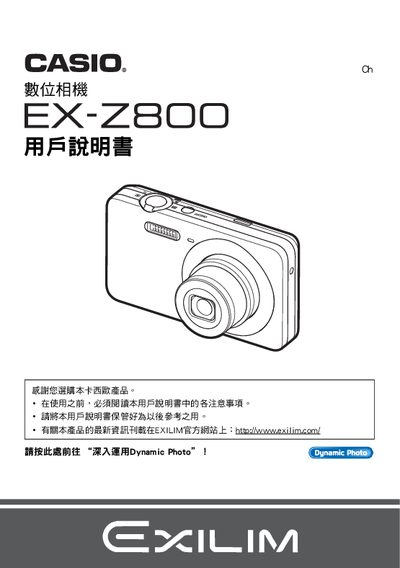
This manual guides you through unpacking the EX‑Z800, installing the NP‑80 rechargeable battery, connecting the charger C‑81L, and using the USB cable for data transfer. It includes a quick‑start section covering basic camera functions, power on/off, and initial settings.
Advanced features such as Dynamic Photo, BEST SHOT, video recording, and image quality adjustments are explained, along with USB and wireless (Eye‑Fi) connectivity, date‑time settings, and a troubleshooting guide for common issues. This manual is written in Chinese.
| LCD panel pixel yield | 99.99%+ |
|---|---|
| Charger model | C-81L |
| USB cable | Included |
| Video resolution (Dynamic JPEG) | 640×480 pixels |
Connect the camera to the computer using the supplied USB cable.
The LCD panel has a pixel yield of 99.99% or higher.
Dynamic Photo records video at a resolution of 640 × 480 pixels.