
Key facts
- Brand
- Casio
- Model
- EX-Z1000
- Category
- Digital cameras
- Industry
- Electronics
- Documents
- 6
- Languages
- EN · ZH
- Last added
- 2012-06-06
Start here
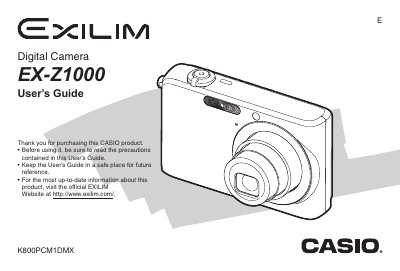
Casio EX-Z1000 Digital Camera User's Guide
This manual provides comprehensive instructions for operating the Casio EX-Z1000 digital camera. It covers essential tasks such as unpacking, charging the NP-70 battery, loading memory cards, and configuring display settings. The guide details how to shoot snapshots and movies using various modes like Auto Focus, Macro, and Continuous Shutter.
Read onlineCasio EX-Z1000 specifications
| Input Power (AC Adaptor) | 100 to 240 V AC 50/60Hz 83 mA |
|---|---|
| Output Power (AC Adaptor) | 5.3 V DC 650 mA |
| AC Adaptor Dimensions | 50 (W) x 20 (H) x 70 (D) mm |
| AC Adaptor Weight | Approximately 90 g (3.2 oz) |
All Casio EX-Z1000 documents by type
Day-to-day operation, settings and troubleshooting. Start here if the product is already set up.
Questions answered in these manuals
What battery is included with the camera?
The package includes a Rechargeable Lithium Battery (NP-70).
What items are included in the box?
The camera comes with a USB Cradle, Strap, CD-ROM, USB Cable, AV Cable, and Basic Reference.
What is the model number of this camera?
The model number is EX-Z1000.
Where can I find more information about this product?
You can visit the official EXILIM Website at http://www.exilim.com/.
How do I install the battery?
Open the battery cover, insert the NP‑40 battery, and close the cover.
What storage media does the camera support?
The camera has 8 MB of internal memory and can use SD cards or MultiMediaCards.