
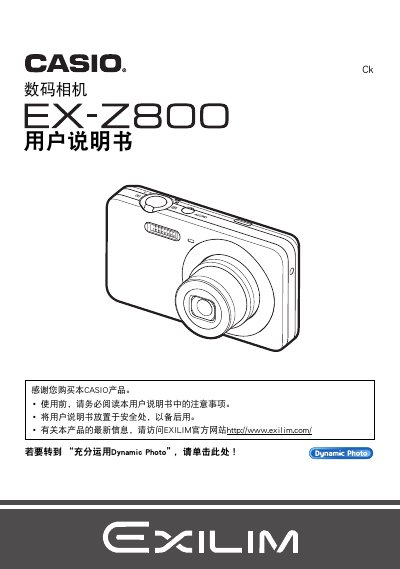
Casio EX-Z800 Camera User Manual


Casio EX-Z800 Camera User Manual - cover page
Brand
Casio
Category
Digital cameras
Document type
User Manual
Language
Chinese
Pages
187
File format
PDF
File size
7.3 MB
Published
21 September, 2011
Updated
29 September, 2023
Model
EX-Z800
MD5 checksum
1404C914E81EE214840EDACAAD124D40

About this manual

This manual explains how to set up and operate the Casio EX‑Z800 digital camera, including safety warnings, battery installation, and basic configuration steps. It also covers advanced functions such as auto‑focus limits, flash usage, and image playback.

Additional sections describe how to manage files, use Dynamic Studio for editing and sharing photos, and perform maintenance tasks like formatting the internal memory and troubleshooting common issues. This manual is written in Chinese.

What's inside

  • Safety Precautions
  • Package Contents and Battery Installation
  • Basic Settings and Initialization
  • Shooting Modes and Auto‑Focus
  • Image Playback and File Management
  • Dynamic Studio and Photo Sharing
  • Maintenance and Troubleshooting

Specifications

Pixel Yield99.99%
Maximum Image Resolution640 × 480 pixels
Battery ModelNP‑80
Charger ModelBC‑81L

Frequently asked questions

What battery does the EX‑Z800 use?

The camera uses an NP‑80 rechargeable battery.

How can I format the internal memory?

Select the format (初始化) option in the menu to initialize the internal storage.

Download PDF (7.3 MB)

More Casio Manuals


View all Casio manuals →