
Key facts
- Brand
- Casio
- Model
- EX-Z850
- Category
- Digital cameras
- Industry
- Electronics
- Documents
- 4
- Languages
- EN
- Last added
- 2012-06-06
Start here
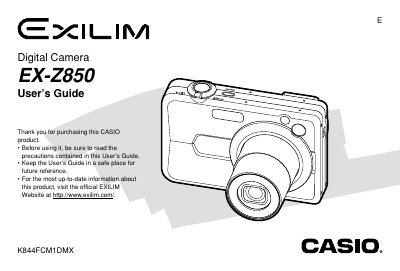
Casio EX-Z850 Digital Camera User's Guide
This document is the official User's Guide for the Casio EX-Z850 digital camera. It provides comprehensive instructions on unpacking the device, charging the NP-40 battery, and configuring initial settings such as display language and clock time.
The guide details how to operate the camera in various recording modes, including standard snapshots, movies, business shots, and old photograph restoration. It also covers playback functions like image resizing, cropping, slideshow creation, and transferring files to a computer via USB or memory card.
Casio EX-Z850 specifications
| Battery Capacity | 1230 mAh |
|---|---|
| Operating Temperature Range | 0°C to 40°C (32°F to 104°F) |
| Battery Dimensions | 38.5(W) X 38.0(H) x 9.3(D) mm |
| Battery Weight | Approximately 34 g (1.2 oz) |
All Casio EX-Z850 documents by type
Day-to-day operation, settings and troubleshooting. Start here if the product is already set up.
Questions answered in these manuals
What is the battery model for this camera?
The rechargeable lithium ion battery included with the camera is model NP-40.
What is the operating temperature range for the NP-40 battery?
The battery operates within a temperature range of 0°C to 40°C (32°F to 104°F).
What is the operating temperature range for the battery?
The battery operates within a temperature range of 0°C to 40°C (32°F to 104°F).
How do I charge the battery?
You can charge the battery using the Special AC Adaptor or by connecting it to a USB Cradle.
How do I charge the battery?
Insert the battery into the camera and connect the supplied AC adapter as described in the charging section.
How can I transfer photos to a computer?
Connect the camera to a computer via the USB port; the manual provides the USB interface details.