
This manual introduces the basic functions and usage of the Casio EX-Z750 digital camera.
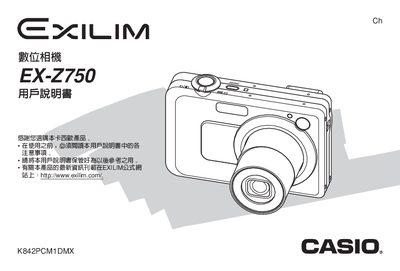
This manual covers everything needed to start using the EX‑Z750 camera, from unpacking and checking accessories, charging the battery, and basic shooting functions such as focus, exposure, and playback. It also explains how to configure language, display settings, and manage files on memory cards.
Advanced features are described in later sections, including flash operation, various focus modes, exposure compensation, white‑balance adjustments, continuous shooting, BEST SHOT modes, video recording, and detailed specifications of power requirements, dimensions, and accessories. This manual is written in Chinese.
| Dimensions (W×H×D) | 107 mm × 33 mm × 66 mm |
|---|---|
| Weight (with battery and accessories) | ≈ 678 g |
| Battery nominal voltage | 3.7 V |
| Battery capacity | 1230 mAh |
| Power input (AC) | 100‑240 V AC, 50/60 Hz |
| DC output (USB) | 5.3 V, 650 mA |
First, charge the battery before use.
Use the menu option to configure the display language and settings.
Select the option to delete a single file or choose to delete all files.
Activate the flash using the flash control settings described in the manual.