
Key facts
- Brand
- Casio
- Model
- EX-Z70
- Category
- Digital cameras
- Industry
- Electronics
- Documents
- 4
- Languages
- EN
- Last added
- 2012-06-06
Start here
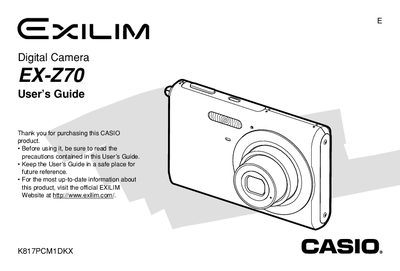
CASIO EX-Z70 User's Guide
The Casio EX-270 is a compact digital camera featuring an optical zoom lens, flash assist functionality, and various shooting modes including Business Shot and Best Shot. The device supports both built-in memory and optional memory cards for storing images and movies.
This User's Guide details how to charge the NP-20 battery, configure display settings, record still images and audio snapshots, play back media on the camera or a TV screen, and transfer files to a computer using USB cables or the included USB Cradle.
Casio EX-Z70 specifications
| Dimensions (Camera) | 95.2(W) x 60.6(H) x 19.8(D) mm |
|---|---|
| Weight (Camera) | Approximately 118 g |
| Battery Type | Rechargeable lithium ion battery (NP-20) |
All Casio EX-Z70 documents by type
Day-to-day operation, settings and troubleshooting. Start here if the product is already set up.
Questions answered in these manuals
What is the full charge time for the battery?
The approximate full charge time is 90 minutes.
Can I record audio with my snapshots?
Yes, you can add audio to a snapshot or record your voice separately.
What is the full charge time for the NP-20 battery?
The full charge time is approximately 90 minutes.
How do I connect the camera to a TV screen?
You can use the AV Cable or the optional CA-32 USB Cradle/AC Adaptor.
How do I charge the battery?
Charge the battery with the supplied charger before first use and whenever the battery level is low.
How can I change the language displayed on the camera?
Select the language option in the camera’s menu to switch the display language.