
Key facts
- Brand
- Casio
- Model
- EX-Z7
- Category
- Digital cameras
- Industry
- Electronics
- Documents
- 2
- Languages
- EN
- Last added
- 2012-06-06
Start here
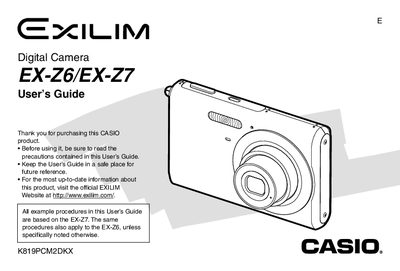
Casio EX-Z7 Digital Camera User's Guide
This manual serves as a comprehensive instruction set for the Casio EX-Z7 digital camera. It details the unboxing process, battery management using the NP-20 battery and BC-11L charger, and basic operations such as turning the device on and off.
The guide provides extensive instructions on image recording modes, including Easy Mode, Best Shot, and Business Shot, as well as advanced settings like white balance adjustment and continuous shutter. It also covers playback functions, file management using memory cards, connecting to computers via USB or PictBridge, and troubleshooting common issues.
Casio EX-Z7 specifications
| Battery Rated Capacitance | 700 mAh |
|---|---|
| Charger Power Requirement | 100 to 240V AC, 80mA, 50/60Hz |
| Charger Output | 4.2V DC, 600 mA |
| Full Charge Time | Approximately 90 minutes |
All Casio EX-Z7 documents by type
Day-to-day operation, settings and troubleshooting. Start here if the product is already set up.
Questions answered in these manuals
How long does it take to fully charge the battery?
It takes approximately 90 minutes to fully charge the battery.
Can I print images directly from the camera?
Yes, you can use PictBridge or USB DIRECT-PRINT to transfer and print images.
How do I charge the battery?
Use the NP‑20 ion battery charger; a full charge takes about 90 minutes.
What accessories are included in the box?
The box contains the camera, the NP‑20 battery charger (BC‑11L), an AC power cable, and other standard accessories.