
This is a user manual for the Casio EX-Z750 digital camera, introducing the camera's features and characteristics, basic usage methods and shooting functions
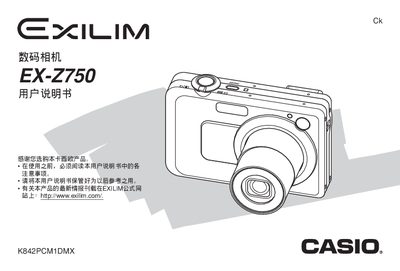
This manual introduces the EX‑Z750 camera, covering safety precautions, unpacking, battery installation, power requirements, and basic operation such as turning the camera on/off, configuring the display language and clock, and using the menu system. It explains how to capture photos and videos, review and delete images, and manage files on the internal memory or SD card.
Advanced sections describe flash usage, focus modes, exposure compensation, white‑balance settings, continuous shooting, BEST SHOT, Business Shot, ID photo, and animation functions. Connectivity options such as USB, PictBridge, and computer interfacing for Windows and Macintosh are detailed, along with troubleshooting tips and specifications. This manual is written in Chinese.
| Dimensions (W×H×T) | 38.5 mm × 38.0 mm × 9.3 mm |
|---|---|
| Weight (without battery) | ≈34 g |
| Battery type | Lithium‑ion NP‑40 |
| Battery voltage | 3.7 V |
| Battery capacity | 1230 mAh |
| Power consumption (operating) | ≈3.4 W |
Insert the NP‑40 lithium‑ion battery into the charger and connect the AC adapter; charging instructions are on page 34.
Use the menu to configure the display language and set the clock as described on page 50.
The camera measures 38.5 mm × 38.0 mm × 9.3 mm and weighs about 34 g.