
Key facts
- Brand
- Canon
- Model
- SX10
- Category
- Digital cameras
- Industry
- Electronics
- Documents
- 2
- Languages
- EN · JA
- Last added
- 2012-05-03
Start here
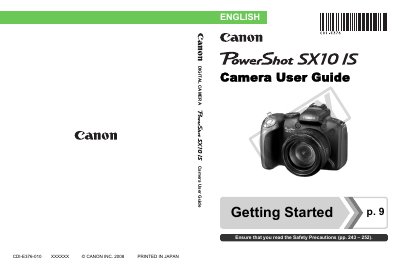
Canon SX10 IS Camera User Guide
This guide provides step‑by‑step instructions for preparing the Canon SX10 IS, capturing still images and movies, and reviewing and printing photos. It also covers connecting the camera to a TV, using external flash units, and customizing settings.
Additional sections detail memory‑card compatibility, power‑saving functions, troubleshooting, and a full specifications list, helping users get the most out of their camera.
Canon SX10 specifications
| Maximum ISO sensitivity | 3200 |
|---|---|
| Maximum still image resolution | 1600 × 1200 |
| Supported memory cards | SD, SDHC |
All Canon SX10 documents by type
Day-to-day operation, settings and troubleshooting. Start here if the product is already set up.
Questions answered in these manuals
How do I reset the camera settings to their default values?
Select the option "Resetting Settings to Their Default Values" in the menu to restore factory defaults.
Can the camera be connected to a TV for playback?
Yes, the guide includes a section on "Connecting to a TV" and using the camera for TV playback.
How can I change the ISO sensitivity?
Use the menu to adjust the ISO setting to the desired value.
How do I transfer images from the camera to a computer?
Download the images via the USB connection or by using a compatible memory‑card reader.