
Canon SX10 IS Camera User Guide


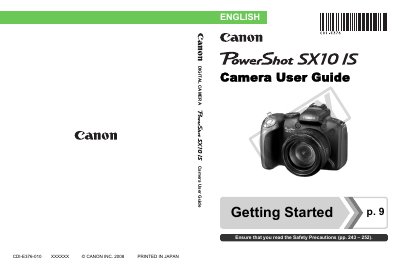
Canon SX10 IS Camera User Guide - cover page
Brand
Canon
Category
Other
Document type
User Manual
Language
English
Pages
292
File format
PDF
File size
6.7 MB
Published
03 May, 2012
Updated
29 September, 2023
Model
SX10
MD5 checksum
E0994AC6DAC07720EEBFF82EFE1321D2

About this manual

This guide provides step‑by‑step instructions for preparing the Canon SX10 IS, capturing still images and movies, and reviewing and printing photos. It also covers connecting the camera to a TV, using external flash units, and customizing settings.

Additional sections detail memory‑card compatibility, power‑saving functions, troubleshooting, and a full specifications list, helping users get the most out of their camera.

What's inside

  • Getting Started
  • Shooting Still Images
  • Viewing Still Images
  • Shooting Movies
  • Viewing Movies
  • Downloading Images to a Computer
  • Connecting to a TV
  • Memory Card Compatibility
  • Troubleshooting

Frequently asked questions

How do I reset the camera settings to their default values?

Select the option "Resetting Settings to Their Default Values" in the menu to restore factory defaults.

Can the camera be connected to a TV for playback?

Yes, the guide includes a section on "Connecting to a TV" and using the camera for TV playback.

Download PDF (6.7 MB)

More Canon Manuals


View all Canon manuals →