
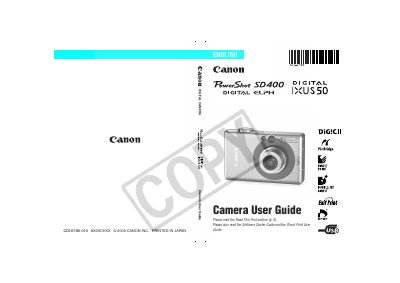
Canon PowerShot SD400 Camera User Guide


Canon PowerShot SD400 Camera User Guide - cover page
Brand
Canon
Category
Digital cameras
Document type
User Manual
Language
English
Pages
195
File format
PDF
File size
4.4 MB
Published
02 May, 2012
Updated
29 September, 2023
Model
SD400
MD5 checksum
EB15E130DD591F38A94DE2197F3A0FEB

About this manual

This guide explains how to set up and operate the PowerShot SD400, covering safety precautions, battery charging, menu navigation, and recommended use of genuine Canon accessories. It also includes information on connecting the camera to a computer, printing, and using optional accessories such as an AC adapter or external flash.

The manual details the various shooting modes, LCD monitor functions, video formats, and technical specifications such as resolution, frame rates, and ISO settings. A reference chart at the end lists function settings for each mode, and a warranty notice outlines the limits of Canon’s liability.

What's inside

  • Read This First
  • Safety Precautions
  • Preparing the Camera
  • Basic Functions
  • Shooting Modes
  • Playback
  • Printing
  • Connecting to a Computer
  • Camera Care and Maintenance
  • Specifications
Download PDF (4.4 MB)

More Canon Manuals


View all Canon manuals →