
This document is a technical specification sheet for Canon's CMOS sensor. It mainly introduces the sensor's pixel count, resolution, sensitivity, dynamic range, signal-to-noise ratio, frame rate and other parameters.
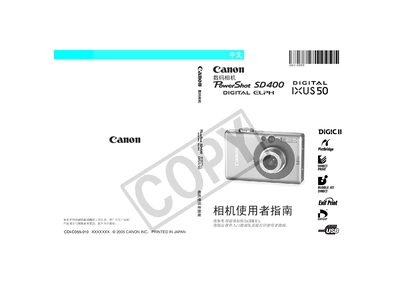
This manual guides users through all aspects of using the Canon PowerShot SD400 / IXUS 50, including camera operation, software installation, direct printing, and connecting the camera to a computer or TV. It also covers battery charging, LCD screen details, video output settings, and troubleshooting procedures.
Safety precautions, warranty information, and recommended Canon accessories are included, along with detailed explanations of shooting modes, exposure settings, and image handling. The document ends with appendices that list specifications and provide additional technical data. This manual is written in Chinese.
| Maximum still image resolution | 40×480 pixels |
|---|---|
| Alternative still image resolutions | 20×240, 160×120 pixels |
| LCD pixel conformity | 99.99% of pixels meet specifications |
When the main battery is inserted, the internal lithium battery charges automatically; after first use, install the charged battery for at least four hours to charge the date/time battery.
A small number of pixels (less than 0.01%) may appear as red or black dots, but this does not affect image recording and is not considered a fault.
Before connecting the camera to a TV, set the camera’s video signal to the format used in your region.