
Key facts
Start here
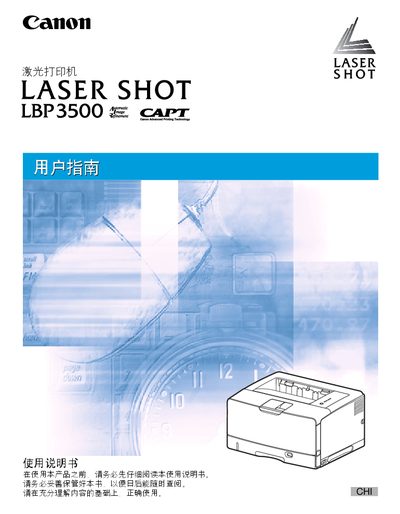
Canon LBP3500 Laser Printer User Manual
This manual covers the installation of the Canon LBP3500 laser printer, including driver installation for various Windows versions and connection methods such as USB and LAN. It also explains how to load paper, configure printing settings, and use advanced features like duplex printing and watermarking.
Additional sections address routine maintenance, safety notices, and troubleshooting steps for common issues. Serial number location and warranty information are provided at the end of the document. This manual is written in Japanese.
All Canon LBP3500 documents by type
Day-to-day operation, settings and troubleshooting. Start here if the product is already set up.
Questions answered in these manuals
How can I clear a paper jam?
See Chapter 7 “故障排除” for the “清除卡纸的过程” steps to remove jammed paper.
Where is the printer’s serial number located?
The serial number is shown on the inside of the front cover and on the outside of the packaging box.
How do I install the printer driver on Windows?
Run the installation program provided on the CD‑ROM; the manual lists supported Windows versions such as Vista, XP/Server 2003, 2000, and 98/Me.
How can I connect the printer to a computer?
The printer can be connected via a USB interface or a LAN network as described in the manual.
How do I connect the printer to a computer?
You can connect the printer via USB or LAN as described in the installation sections.