
The Canon LBP3500 laser printer user manual provides setup, operation, maintenance, and troubleshooting instructions.
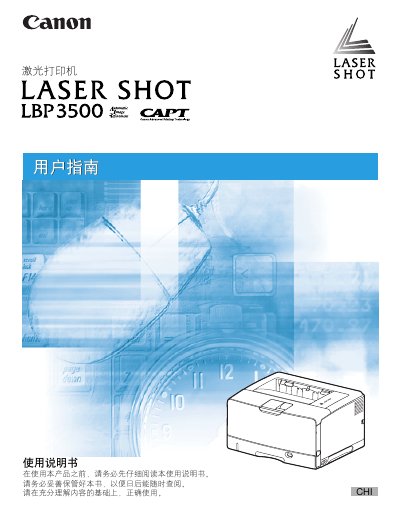
This manual guides users through installing the Canon LBP3500 laser printer, configuring drivers, and connecting to a computer or network. It includes detailed steps for loading paper, adjusting settings, and using advanced features such as duplex printing and watermarking.
The document also covers routine maintenance, optional accessories, and troubleshooting procedures, with a final appendix that lists hardware specifications, software requirements, and the printer's serial‑number location. This manual is written in Chinese.
| Print speed (single‑sided) | ≈ 1.9 pages per minute |
|---|---|
| Supported paper sizes | A5, B5, A4, B4, A3, Letter, Executive, Legal, Ledger (11×17) |
See Chapter 7 “故障排除” for the “清除卡纸的过程” steps to remove jammed paper.
The serial number is shown on the inside of the front cover and on the outside of the packaging box.