
Canon LBP3500 Laser Printer User Manual

This is the user manual for LBP3500 laser printer, which introduces how to install, connect, use and maintain the printer
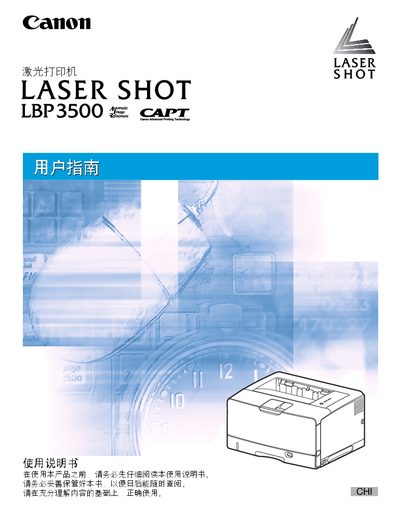

Canon LBP3500 Laser Printer User Manual - cover page
Brand
Canon
Category
Printer
Document type
User Manual
Language
Chinese
Pages
454
File format
PDF
File size
13.1 MB
Published
15 March, 2012
Updated
30 September, 2023
Model
LBP3500
MD5 checksum
8DB743B299EA5FC95CDCAB2A61920DE4

About this manual

This manual is the user guide for the Canon LBP3500 laser printer. It covers printer components, power connection, sleep mode, and USB or LAN connection to a computer.

It also explains paper requirements, loading and output, print environment setup, CAPT driver installation for Windows, and printing documents including duplex printing. This manual is written in Chinese.

What's inside

  • Before You Begin
  • Loading and Outputting Paper
  • Setting the Print Environment
  • Printing Documents
  • Printer Components and Control Panel
  • Connecting to a Computer
  • Paper Requirements and Storage
  • Duplex Printing

Frequently asked questions

Which guides are provided with the LBP3500?

The manual set includes the User Guide, Network Guide, and Remote UI Guide.

Which Windows versions are covered for CAPT driver installation?

Windows Vista, Windows XP/Server 2003, and Windows 2000.

What connection methods can be used to connect the printer to a computer?

The manual describes USB and LAN connections.

What duplex printing methods are described?

Automatic duplex printing and manual duplex printing.

Download PDF (13.1 MB)

More Canon Manuals


View all Canon manuals →