
This document provides important instructions and warnings for the use of PUB. DIC-066 2. It mentions the need for qualified service personnel for repairs, precautions to prevent fire and electric shock, the use of recommended accessories, and the removal of the power plug when not in use. It also explains the features of high-definition images and movie mode, as well as considerations for using the hard drive.
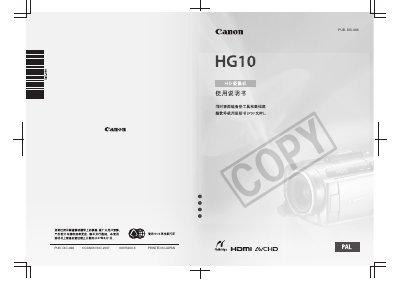
The Canon HG10 is a high-definition video camera featuring AVCHD compression recording on an internal hard drive. It supports Full HD 1080p resolution and includes a 'Movie Mode' that combines progressive frame rates with specific recording programs to enhance cinematic effects.
This manual covers essential usage guidelines, including the importance of backing up data from the internal hard drive to prevent permanent loss due to vibration or impact. It details operations such as charging batteries, adjusting the LCD screen position and brightness, setting dates and times, and configuring various video and photo settings. This manual is written in Japanese.
Full HD 1080 refers to high-definition video compatible with 1,080 vertical pixels (scan lines).
Yes, you can rotate the liquid crystal display down by 90 degrees or towards the lens by 180 degrees.
If the drop sensor is active, it detects the fall and activates a protection mechanism to prevent hard drive damage.