
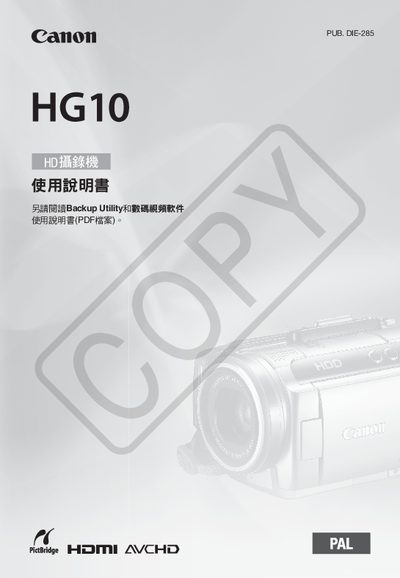
This document describes the use of Canon HD camcorders, including safety precautions, HD video, movie mode, and built-in hard disk.
This manual begins with important safety warnings, such as avoiding exposure to rain, not opening the outer case, and using only authorized service personnel. It also outlines proper handling of the power supply and battery to prevent fire or damage.
The guide then explains how to operate the camcorder, including recording modes (HD AVCHD, movie mode, XP mode), playback functions, menu navigation, and settings such as date/time, LCD screen position, and audio volume. Additional sections cover accessories, battery charging, and troubleshooting. This manual is written in Japanese.
| Resolution | 1080 Full HD |
|---|---|
| Supported memory card | miniSD |
The camcorder uses a miniSD card.
No, you should not open the outer case; only authorized service personnel should service the device.
Repairs should be performed by qualified service personnel.