
This document is a user manual for the Brother QL-700 printer. It introduces the printer's usage, maintenance and troubleshooting methods.
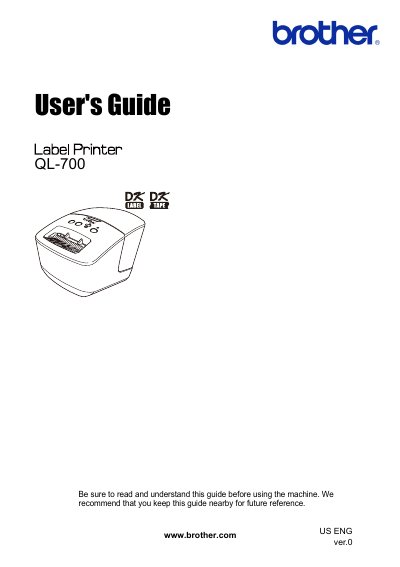
This guide provides instructions for the Brother QL-700 label printer, including maintenance procedures for the print head and rollers, as well as troubleshooting steps for common issues like printing errors and jams. It details how to clean the machine using optional Brother cleaning sheets and ethanol or isopropyl alcohol for the label outlet.
| Print head resolution | 300 dpi/720 dot |
|---|---|
| Max printing width | 2.3" (59 mm) |
| Max printing length | 39.37" (1 m) |
| Interface | USB |
| Operating temperature | 50°F to 95°F (10°C to 35°C) |
Use the optional Brother cleaning sheet. Insert the sheet into the printing unit and press the Feed button for more than one second to spin the roller.
Remove the power cord and clean the label outlet with a cloth dipped into ethanol or isopropyl alcohol.
Press and hold the CUT button while holding down the ON/OFF button when the machine is turned off, then press the CUT button six times.