
P-touch Labeler PT-1230PC manual introduces the function features, usage methods and precautions of P-touch Labeler PT-1230PC.
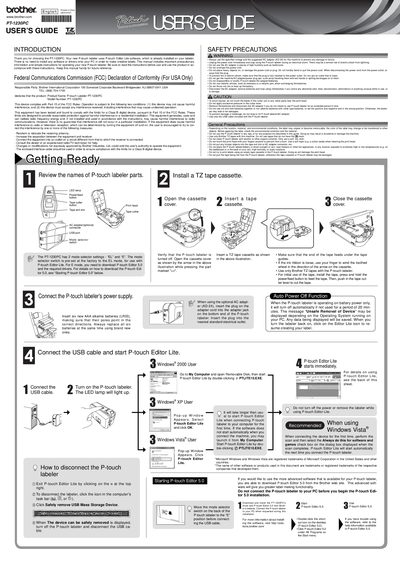
This user manual introduces the Brother PT-1230PC P‑touch labeler, its pre‑installed P‑touch Editor Lite software, and basic operating steps such as installing a TZ tape cassette, powering the device, and creating labels. It also covers optional software upgrades and how to connect the labeler to a PC.
Safety precautions, battery and AC‑adapter requirements, and detailed troubleshooting tips are included, along with a list of accessories and technical specifications for the labeler.
| Dimensions | 2.1" (W) x 6.2" (D) x 4.4" (H) |
|---|---|
| Power supply | Six AAA alkaline batteries (LR03) or optional AC adapter (AD-24) |
| Interface | USB port (USB Spec. 1.1 or 2.0 protocol) |
| Memory requirement | 128 MB minimum (Windows Vista – 512 MB minimum) |
It uses six AAA alkaline batteries (LR03).
The optional AC adapter model AD-24 can be used.
Press the Power/feed button to clear the error message.
P‑touch Editor Lite is already installed on the labeler.