
This document introduces the safety precautions for using Brother P-Touch TZ series label makers.
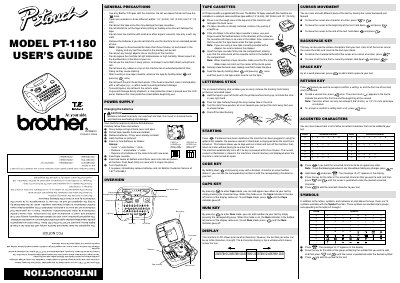
The Brother PT-1180 is a thermal transfer label maker designed for creating custom labels in offices, factories, labs, or homes. It supports three different tape widths (1/4", 3/8", and 1/2") and allows users to print with various colors and styles using compatible Brother TZ tapes.
The manual details how to install batteries (requiring six alkaline AAA batteries) and replace the tape cassette. It also explains key functions such as cursor movement, backspacing, entering accented characters, inserting symbols, and switching between Caps and Num modes.
| Battery Type | 6 alkaline AAA batteries |
|---|---|
| Tape Widths Supported | 1/4" (6 mm), 3/8" (9 mm) and 1/2" (12 mm) |
| Display Capacity | One row of 8 characters; text up to 55 characters |
| Auto Shut-off Time | Five minutes |
The machine requires six alkaline AAA batteries.
No, you must only use Brother TZ tapes that have the specific mark.
All text shown in the display and any stored text files will be lost.