
This document describes the precautions for using the Brother TZ series label makers, including how to avoid damage to the machine, how to use labels, and how to clean the machine.
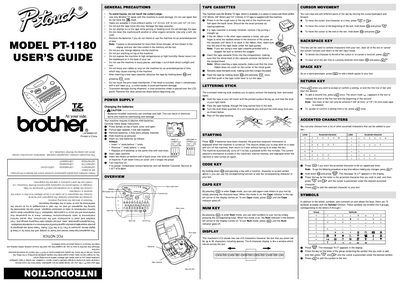
This guide provides step‑by‑step instructions for installing batteries, loading TZ tape cassettes, and using the label maker’s keys and functions. It covers safety precautions, power supply details, and how to navigate the LCD display to create and edit text.
The manual also describes advanced features such as size, style, underline/frame, mirror printing, and repeat/numbering functions, as well as memory storage, troubleshooting tips, and technical specifications for the PT‑1180.
| Keyboard | 42 keys |
|---|---|
| Print speed | 10 mm/sec |
| Character font | HELSINKI |
| Print tape | Pressure‑sensitive adhesive‑based (TZ tape only) |
| Dimensions | 6 1/16" (154 mm) W × 5 5/64" (129 mm) D × 2 1/2" (64 mm) H |
| Weight | 0.9 lb (400 g) |
| Power supply | Six AAA alkaline batteries |
| Memory size | 300 characters, up to 9 text files |
| Buffer size | 55 characters including spaces |
| Auto‑power off | Enabled |
The PT‑1180 uses six AAA alkaline batteries. Open the back cover, remove the old batteries, insert the new ones with the “+” ends first, and close the cover.
Two lines can be entered only when a 3/8" (9 mm) or 1/2" (12 mm) wide TZ tape is installed.