
This is the user manual for 3M digital projector DX70i, which mainly introduces the product's features and usage methods.
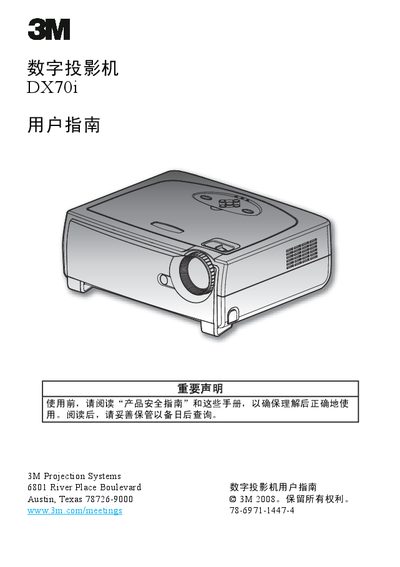
This manual introduces the DX70i digital projector, covering hardware overview, control panel layout, remote with laser pointer, and built‑in speakers. It guides users through installation, connecting video sources, and adjusting image size, focus and keystone correction.
Safety instructions, lamp‑life monitoring, FCC/ICES compliance, and operating conditions are detailed to ensure reliable and compliant use of the projector in various environments. This manual is written in Chinese.
| Resolution | 1024 × 768 pixels (XGA) |
|---|---|
| Speakers | Two 2 W built‑in speakers |
| Connectivity | DVI (HDCP compatible), VGA, USB, LAN, RS‑232 |
| Remote Control | Infrared remote with laser pointer |
| Lamp Monitoring | Automatic lamp‑life detection and warning |
Allow the projector to cool, then follow the steps in the “更换灯泡” (lamp replacement) section; the system will warn you when lamp life is exhausted.
Adjust the antenna direction, increase distance to receivers, or plug the projector and other equipment into separate power circuits.