
Key facts
- Brand
- Yamaha
- Model
- PM5DV2
- Industry
- Industrial
- Documents
- 2
- Languages
- EN
- Last added
- 2012-07-02
Start here
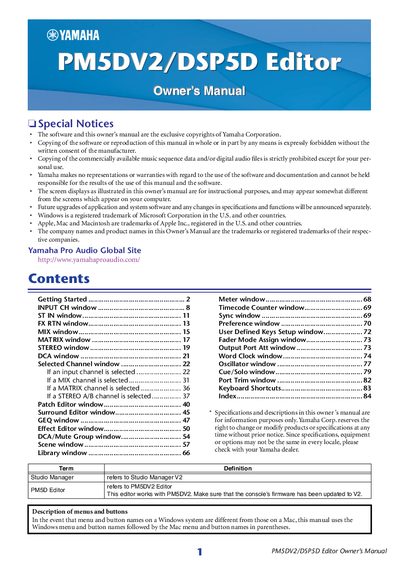
Yamaha PM5DV2/DSP5D Editor Owner's Manual
The Yamaha PM5DV2 and DSP5D Editors are software applications used within Studio Manager to remotely control the parameters of the PM5D or DSP5D mixing consoles. Users can start these editors from the Studio Manager window by double-clicking the corresponding icon after performing initial setup steps.
To configure the editors, users must access the System Setup and Mixer Setup windows via the File menu. In System Setup, settings include Input/Output ports for communication, Console Device ID selection, synchronization options like Fast Sync, and preferences for level meter data and workspace color. The Mixer Setup window allows configuration of fader pairing modes (Horizontal or Vertical), pan nominal positions, bus setups (VARI/FIXED), surround bus allocation, stereo bus settings, IP address configurations for the DSP5D, and cascade connection parameters.
Yamaha PM5DV2 specifications
| Minimum Hard Disk Space | 100MB or more |
|---|---|
| Minimum Display Resolution | 1,024 x 768 pixels |
| Windows 7 CPU Requirement | 1.4GHz or higher |
| Windows XP CPU Requirement | 800MHZ or higher |
| Mac OS X Memory Requirement | 1GB or more |
All Yamaha PM5DV2 documents by type
Day-to-day operation, settings and troubleshooting. Start here if the product is already set up.
Mounting, wiring and first power-up. Read it before the hardware goes in.
Questions answered in these manuals
What firmware version is required for the PM5D console?
The PM5D console must have firmware V2 installed before using the Editor.
What software components are required to use the PM5DV2 Editor?
You must install the USB-MIDI Driver, Studio Manager, and the PM5DV2 Editor itself.
How do I start up the PM5D Editor or DSP5D Editor?
Start up Studio Manager and make settings, then double-click the corresponding icon in the Studio Manager window to open the editor.
What is the purpose of the Fast Sync option?
Fast Sync shortens the synchronization time with the console itself; if synchronization fails, this check box should be cleared.