
Yamaha PM5DV2 Editor Installation Guide

This is a guide to installing the PM5DV2 editor
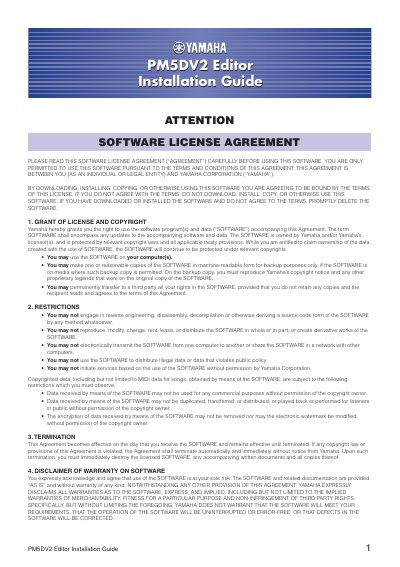

Yamaha PM5DV2 Editor Installation Guide - cover page
Brand
Yamaha
Category
Other Electronics
Document type
Installation Guide
Language
English
Pages
8
File format
PDF
File size
2.3 MB
Published
02 July, 2012
Updated
01 October, 2023
Model
PM5DV2
MD5 checksum
9FE8584B67FF3FC55623A6F0E0E38EA0

About this manual

The PM5DV2 Editor enables users to remotely monitor and control the Yamaha PM5D mixing console with firmware V2, save parameter settings to a computer, and prepare settings offline. Before installation, users must ensure the PM5D console firmware is version V2.

What's inside

  • Software License Agreement
  • Minimum System Requirements
  • Installing the USB-MIDI Driver
  • Installing Studio Manager and Editor
  • Configuring the PM5D Console

Specifications

Minimum Hard Disk Space100MB or more
Minimum Display Resolution1,024 x 768 pixels
Windows 7 CPU Requirement1.4GHz or higher
Windows XP CPU Requirement800MHZ or higher
Mac OS X Memory Requirement1GB or more

Frequently asked questions

What firmware version is required for the PM5D console?

The PM5D console must have firmware V2 installed before using the Editor.

What software components are required to use the PM5DV2 Editor?

You must install the USB-MIDI Driver, Studio Manager, and the PM5DV2 Editor itself.

Download PDF (2.3 MB)

More Yamaha Manuals


View all Yamaha manuals →