
Key facts
- Brand
- Yamaha
- Model
- PDM-1
- Category
- Player
- Industry
- Appliances
- Documents
- 2
- Languages
- EN
- Last added
- 2012-07-10
Start here
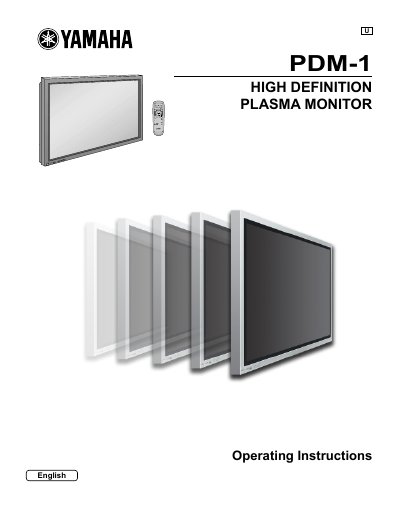
Yamaha PDM-1 High Definition Plasma Monitor Operating Instructions
This document provides operating instructions for the Yamaha PDM-1 High Definition Plasma Monitor. It includes important safety warnings regarding electric shock and ventilation, as well as a list of supplied and optional accessories. The guide details how to connect the monitor to various input sources such as Component/RGB, PC, and Serial terminals.
The manual covers the operation of basic controls, including power on/off and input signal selection via the remote control. It provides step-by-step instructions for adjusting the on-screen menu, picture position and size, sound settings, and advanced features like the 3D Y/C filter and screensaver setup. A troubleshooting section and technical specifications are also included.
All Yamaha PDM-1 documents by type
Day-to-day operation, settings and troubleshooting. Start here if the product is already set up.
Questions answered in these manuals
What should be done if a still picture is displayed for an extended period?
Do not allow a still picture to be displayed for an extended period, as this can cause a permanent after-image to remain on the plasma display.
From: Yamaha PDM-1 High Definition Plasma Monitor Operating Instructions
What happens if the power plug is not fully inserted?
If the plug is not fully inserted, heat may be generated which could cause fire.
From: Yamaha PDM-1 High Definition Plasma Monitor Operating Instructions
What batteries are required for the remote control?
The remote control requires two R6 size batteries.
From: Yamaha PDM-1 High Definition Plasma Monitor Operating Instructions
Can I use other optional accessories with this plasma display?
No, the display is designed for use only with specific optional accessories like Pedestal PDS-150 or Wall Mounting Unit PWK-150.
From: Yamaha PDM-1 High Definition Plasma Monitor Operating Instructions