
Key facts
- Brand
- Yamaha
- Model
- PJP-50R
- Documents
- 3
- Languages
- ZH
- Last added
- 2011-11-11
Start here
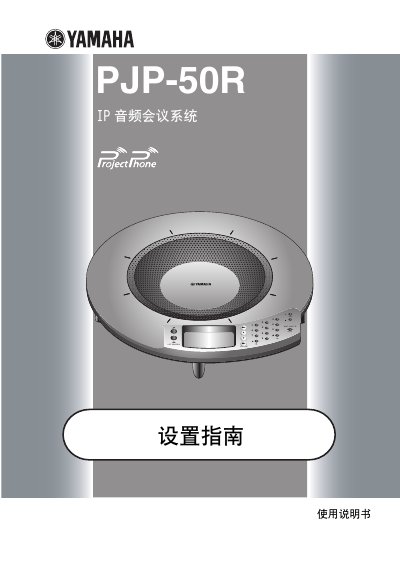
Yamaha PJP-50R IP Audio Conference System User Manual
The Yamaha PJP-50R is an IP audio conference system designed to connect via IP networks, including the internet and enterprise LANs, as well as analog telephone lines. It supports multi-party communication and can function as a microphone and speaker for PC or video conferencing systems when connected via an audio line. The system features high-performance microphones and speakers with adaptive echo cancellation to ensure clear audio transmission. This manual is written in Chinese.
Read onlineYamaha PJP-50R specifications
| Number of microphones | 16 |
|---|---|
| Number of speakers | 4 |
| Minimum top clearance | 10 cm |
| Power supply | AC adapter (PJP-PS01) |
All Yamaha PJP-50R documents by type
Day-to-day operation, settings and troubleshooting. Start here if the product is already set up.
Questions answered in these manuals
Why is the LED indicator not lit?
The unit is not receiving power; check that the AC adapter and power cord are correctly connected to the wall outlet.
How do I mute the microphone?
Press the 0 MIC MUTE button; the LED turns orange to indicate mute, and pressing it again restores the microphone.
What are the safety precautions for installation?
Install the unit in a well-ventilated, cool, and clean place, keeping at least 10 cm of space on the top and sides, and away from direct sunlight, heat sources, and dust.