
Key facts
- Brand
- Yamaha
- Model
- PSR-215
- Category
- Musical instruments
- Documents
- 2
- Languages
- EN
- Last added
- 2012-06-12
Start here
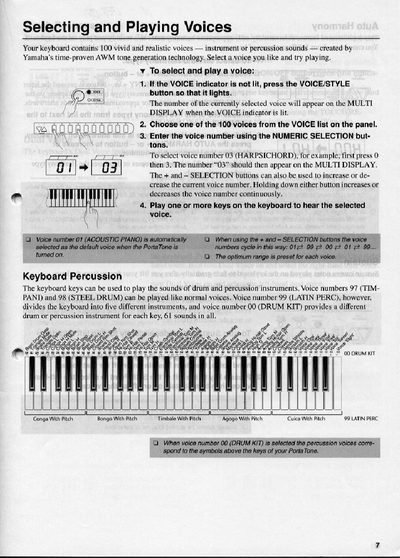
Yamaha PSR-215 Selecting and Playing Voices Guide
The document provides instructions for selecting and playing various instrument and percussion sounds using the Yamaha PortaTone (PSR-215) keyboard. It details how to navigate the voice list, adjust settings like touch response and sustain, and utilize dual voices or split modes for different hands.
Additionally, the guide covers advanced features such as Auto Harmony for adding chords automatically, Transpose functions to shift pitch, and playing with 50 built-in Accompaniment Styles in Single Finger or Fingered modes.
Yamaha PSR-215 specifications
| Number of Voices | 100 |
|---|---|
| Accompaniment Styles | 50 |
| Transpose Range | +/- 12 semitones |
All Yamaha PSR-215 documents by type
Day-to-day operation, settings and troubleshooting. Start here if the product is already set up.
Questions answered in these manuals
Does Transpose affect the Drum Kit voice?
No, Transpose does not affect voice number 00 (DRUM KIT).
How many voices does the Yamaha PSR-215 contain?
The keyboard contains 100 vivid and realistic voices.
What are the power requirements for the PSR-215?
The keyboard requires a DC power input between 10 and 12 volts.
How many batteries are needed to power the PSR-215?
You must insert six batteries into the battery compartment to power the keyboard.