
This manual explains how to operate the DVD player.
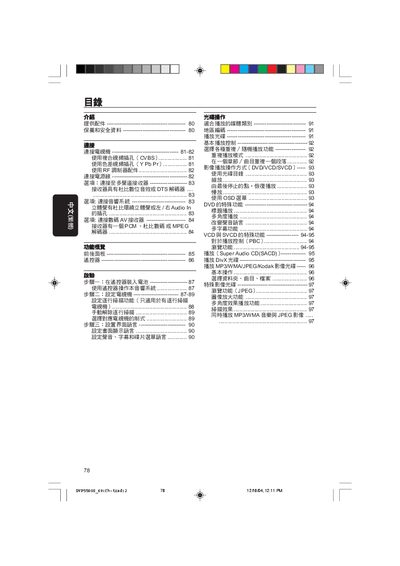
The Philips DVP5500S DVD player manual covers everything you need to get the device up and running, from unpacking accessories and safety precautions to connecting the unit to a TV and audio system. Detailed instructions guide you through remote‑control setup, TV video input selection, and configuring audio output options.
Later sections explain how to operate DVDs, VCDs, SVCDs and DivX discs, adjust picture and sound settings, and resolve common issues such as no power, no picture, or audio problems. The troubleshooting guide lists symptoms, checks, and recommended actions, and provides contact information for Philips service support. This manual is written in Chinese.
| Power Supply | 110-240V; 50/60Hz |
|---|---|
| Standby Power Consumption | < 0.8W |
| Weight | ≈ 2.0 kg |
| Dimensions (W×H×D) | 435 × 37 × 265 mm |
| Audio Output (Analog) | L+R (white/red connectors) |
Open the battery cover, insert two AA (or KL‑marked) batteries as shown, and close the cover.
Check that the mains power is properly connected, the TV is turned on, and the correct video input (CVBS, Y Pb/Pr, etc.) is selected.
Make sure nothing blocks the IR sensor, replace the batteries if needed, and point the remote directly at the front‑panel sensor.
The disc’s region code is not compatible with the player; use a disc with a matching region or a multi‑region disc.