
Key facts
- Brand
- Panasonic
- Model
- DMC-ZR3GK
- Category
- Digital cameras
- Industry
- Electronics
- Documents
- 3
- Languages
- ZH
- Last added
- 2012-03-16
Start here
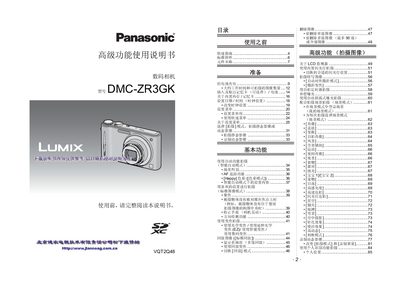
Panasonic DMC-ZR3GK Digital Camera User Manual
This manual explains how to set up and operate the Panasonic DMC‑ZR3GK digital camera. It covers basic functions such as power on/off, battery charging, shooting modes, playback, and connecting accessories like HDMI and AV outputs.
The guide also includes safety notices, recommended memory cards, and detailed specifications for image resolution, video formats, and internal storage limits. Users can follow the step‑by‑step instructions to capture still images, record video, and transfer files to a PC. This manual is written in Chinese.
Panasonic DMC-ZR3GK specifications
| Power Supply | DC 5.1 V |
|---|---|
| Power Consumption | 1.2 W (shooting) / 0.6 W (playback) |
| Effective Pixels | 14,100,000 pixels |
| Image Sensor | 1/2.33" CCD, 14,500,000 pixels |
| Lens | 8× optical zoom, f4.5‑36 mm, F3.3‑F5.9 |
| Digital Zoom | 4× |
| Dimensions | 97.8 mm × 54.8 mm × 26 mm |
| Weight | ≈159 g (with battery and memory card) |
All Panasonic DMC-ZR3GK documents by type
Day-to-day operation, settings and troubleshooting. Start here if the product is already set up.
Questions answered in these manuals
How should the battery be charged before using the camera?
Charge the battery before first use; the camera will not operate until the charging indicator shows completion.
How much internal memory does the camera have?
The camera provides about 40 MB of built‑in memory for storing images when no memory card is inserted.
What safety precautions are required when using the camera near water?
Do not expose the camera to rain, moisture, or splashing water, and avoid placing it on or near liquid‑filled objects.