
Key facts
- Brand
- Panasonic
- Model
- DMC-FS25GK
- Category
- Digital cameras
- Industry
- Electronics
- Documents
- 2
- Languages
- ZH
- Last added
- 2012-03-16
Start here
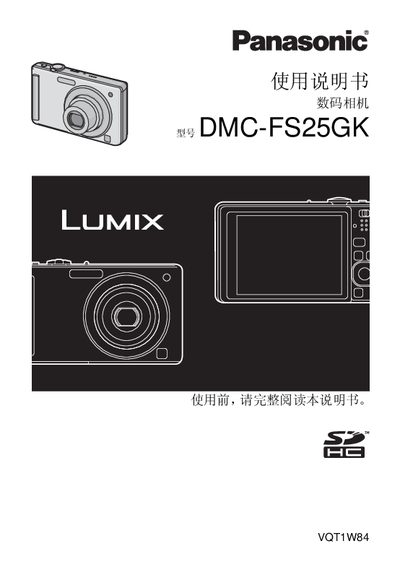
Panasonic DMC-FS25GKdigital camera Manual
The Panasonic DMC-FS25GK digital camera manual offers detailed safety precautions, including warnings about fire, battery explosion, and proper ventilation. It explains how to charge the battery, insert memory cards, and configure basic camera settings such as date, time, and shooting modes.
The guide also covers advanced functions like scene selection, AF tracking, zoom usage, playback options, and image deletion. Additional sections address environmental considerations, disposal instructions, and troubleshooting tips for issues such as water exposure and lens condensation. This manual is written in Chinese.
Panasonic DMC-FS25GK specifications
| Dimensions (W×H×D) | 97.0 mm × 57.9 mm × 21.8 mm |
|---|---|
| Weight (without battery and memory card) | ≈126 g |
| Battery type | DMW-BCF10GK lithium‑ion |
| Battery capacity | 3.6 V / 940 mAh |
| Charging input | 110 V–240 V, 0.2 A |
| Charging output | 4.2 V, 0.65 A |
| Internal memory | ≈50 MB |
All Panasonic DMC-FS25GK documents by type
Day-to-day operation, settings and troubleshooting. Start here if the product is already set up.
Questions answered in these manuals
How many images can be taken on a full battery charge?
Approximately 330 images can be captured on a full charge according to the CIPA standard.
How long does it take to fully charge the battery?
Full charging takes about 130 minutes.
Can I use the camera in water or underwater?
The camera is not waterproof; if water or seawater contacts the camera, wipe it with a dry cloth.
What should I do if condensation forms on the lens?
Turn off the camera and let it sit for about two hours; the condensation will naturally disappear.