
Key facts
- Brand
- Panasonic
- Model
- CF-30
- Documents
- 3
- Languages
- ZH
- Last added
- 2011-09-23
Start here
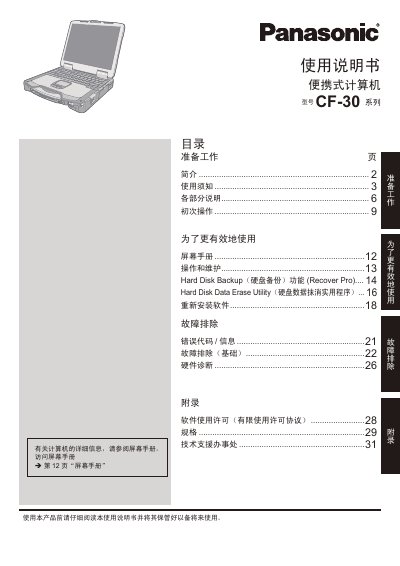
Panasonic CF-30 Series Portable Computer User Manual
This manual provides step‑by‑step instructions for preparing, powering on, and configuring the Panasonic CF-30 series portable computer. It includes safety guidelines, initial setup procedures, and detailed explanations of each hardware component such as the battery, display, and ports.
Additional sections cover operating system installation, hard‑disk backup, data‑erase utilities, wireless LAN and Bluetooth usage, as well as troubleshooting, hardware diagnostics, and technical specifications. Appendices contain regulatory information and contact details for technical support. This manual is written in Chinese.
Panasonic CF-30 specifications
| CPU | Intel® Core™ Duo L400 (1.66 GHz) |
|---|---|
| Chipset | Intel® 945GM |
| Bluetooth | Bluetooth 4.0 + EDR |
Source: Panasonic CF-30 Series Portable Computer User Manual
All Panasonic CF-30 documents by type
Day-to-day operation, settings and troubleshooting. Start here if the product is already set up.
Questions answered in these manuals
How should the battery be installed?
Slide the lock spring to the right to release the battery compartment, insert the battery until it clicks, then close the compartment and slide the lock spring back to lock it.
What safety precautions are required when using the computer near water?
Do not place the computer near any water sources such as bathtubs, sinks, kitchen counters, or wet basements.