
Step-by-step guide to install and configure NETGEAR WNR2000v3 wireless router for internet and Wi-Fi setup.
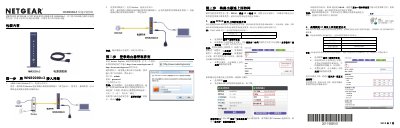
This manual walks users through connecting the router to the internet using PPPoE, static IP, or dynamic IP. It covers logging into the router’s web interface, setting up wireless security, and connecting computers via Wi-Fi or Ethernet. The guide also includes troubleshooting tips and reset instructions for factory defaults.
Appendices detail indicator lights, ports, and recovery procedures. All steps are designed for quick setup with minimal technical knowledge. This manual is written in Chinese.
| Internet Connection Types | PPPoE, Static IP, Dynamic IP |
|---|---|
| Default Login Credentials | Username: admin, Password: password |
| Wireless Security | Pre-set SSID and password (unique per device) |
Press and hold the reset button for 10 seconds using a pin or paperclip while the router is powered on. The power light will turn from orange to green.
The default username is admin and the password is password.
The three common types are PPPoE, fixed IP, and dynamic IP.
The default wireless network name is NETGEAR.