
This is a manual for the NP600/NP500/NP400/NP300/NP500W NP600S/NP500WS portable projector, which details the product's features and usage methods.
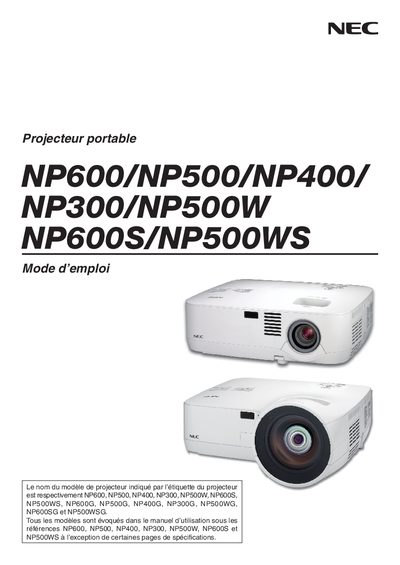
This manual explains how to safely set up and use NEC projectors. It includes important safety warnings, power‑connection guidelines, and precautions to avoid electric shock, fire, or damage to the device.
The guide covers installation (including ceiling mounting), basic operation such as source selection, image size and keystone adjustment, lamp replacement, high‑altitude mode, and details on warranty, service options, and recycling disposal. This manual is written in French.
| Input voltage (G series models) | 200‑240 V AC 50/60 Hz |
|---|---|
| Lamp type | High‑pressure mercury lamp |
Do not open the projector housing, as high‑voltage components are inside.