
This manual introduces the use of NEC NP600G, NP500G, NP400G, NP300G, NP500WG, NP600SG and NP500WSG projectors, including installation, operation and maintenance.
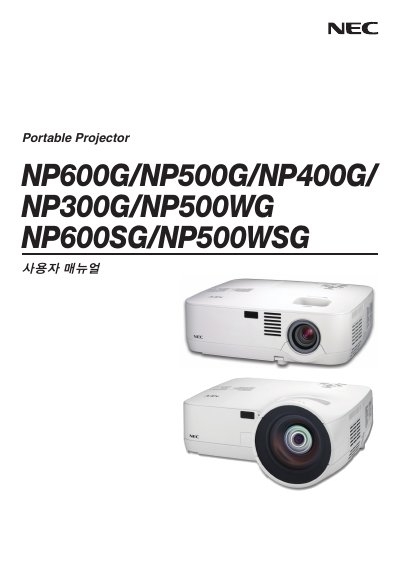
This guide introduces the NEC NP600G family of display panels, covering safety information, product overview, and basic specifications. It is intended for installers and end‑users who need to set up and operate the displays.
The manual is organized into sections such as Introduction, Installation and connections, Projecting an image, and an Appendix, providing step‑by‑step procedures, wiring diagrams, and troubleshooting tips. This manual is written in Japanese.
| Input voltage | 200‑240 V AC |
|---|
See the "Installation and connections" section for wiring diagrams and step‑by‑step installation instructions.
Refer to the "Projecting an image" chapter, which explains video input connections and image setup.