
This manual introduces the basic functions, installation and configuration of the WRT54GL wireless broadband router.
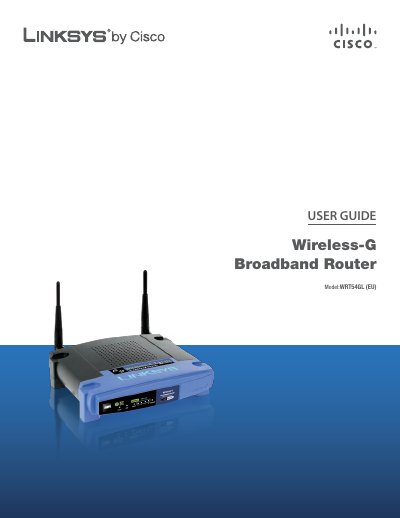
This guide explains how to install and operate the Linksys WRT54GL (EU) Wireless‑G Broadband Router. It covers basic setup, LED indicators, and how to reset the device to factory defaults.
The manual also details wireless security best practices, advanced configuration options such as DHCP, VPN passthrough, and QoS, as well as troubleshooting, specifications, warranty, and regulatory information.
| Model | WRT54GL (EU) |
|---|---|
| Standards | IEEE 802.3, IEEE 802.3u, IEEE 802.11g, IEEE 802.11b |
| Channels | Supported channels (unspecified) |
Press and hold the Reset button for about five seconds, or select Factory Defaults in the Administration menu of the web utility.
When the LED is orange the router is not using SecureEasySetup; when it turns white and flashes, SecureEasySetup is active, and solid white indicates a successful setup.