
This user guide introduces the features and characteristics of the Linksys WRT54GL Wireless-G Broadband Router
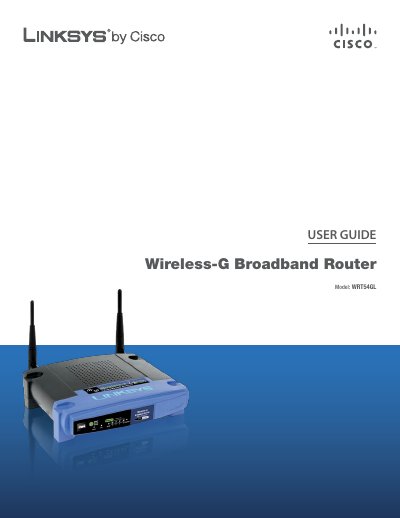
This guide introduces the Linksys WRT54GL Wireless‑G Broadband Router, describing its hardware features such as the four Ethernet ports, SecureEasySetup button, and status LEDs. It also outlines the basic product overview, including wireless performance up to 54 Mbps and built‑in security features like WPA2 and a SPI firewall.
The manual walks users through initial setup with the Setup Wizard, then details advanced configuration via the web‑based utility, covering Internet connection types, DHCP settings, DDNS, MAC address cloning, and firewall options. Appendices provide troubleshooting steps, detailed specifications, warranty information, and regulatory notices.
| Model | WRT54GL |
|---|---|
| Standards | IEEE 802.3, IEEE 802.3u, IEEE 802.11g, IEEE 802.11b |
| Channels | 11 (US/Canada), 13 (Europe/Japan) |
| Internet Port | One 10/100 RJ‑45 |
| LAN Ports | Four 10/100 RJ‑45 switched ports |
| Power Port | Button Reset, SecureEasySetup |
| Cabling Type | CAT5 |
| LED Indicators | Power, DMZ, WLAN, LAN (1‑4), Internet, SecureEasySetup |
| RF Power Output | 18 dBm |
| Security Features | Stateful Packet Inspection (SPI) Firewall, Internet Policy |
| Wireless Security | Wi‑Fi Protected Access™2 (WPA2) |
Press and hold the Reset button for about five seconds, or restore defaults from the Administration > Factory Defaults menu in the web utility.
Enter 192.168.1.1 in a web browser’s address bar to reach the router’s configuration interface.
The router supports Wi‑Fi Protected Access™2 (WPA2) for wireless security.