
This document is a guide on how to set up and update the firmware of the Linksys WRT54GL Wi-Fi router.
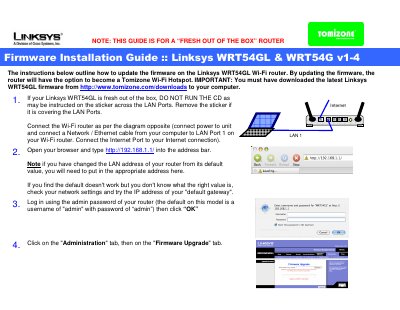
The guide walks you through the initial hardware connection, accessing the router’s web interface, and logging in with the default credentials (admin/admin). It then details the firmware upgrade process via the Administration → Firmware Upgrade tab and explains how to enable the Tomizone wireless hotspot.
After the upgrade, you can set a new password, configure the hotspot ESSID, assign Tomizone ports, and link the router to a Tomizone account for public Wi‑Fi access.
| Default IP address | 192.168.1.1 |
|---|---|
| Default username | admin |
| Default password | admin |
Open a web browser and enter http://192.168.1.1/ in the address bar.
The default username is admin and the default password is admin.
In the Tomizone Settings tab, enable "Wireless Hotspot", set an ESSID, choose Tomizone ports, and save the changes.