
This document is the user guide for Linksys WAG200G ADSL2+ gateway
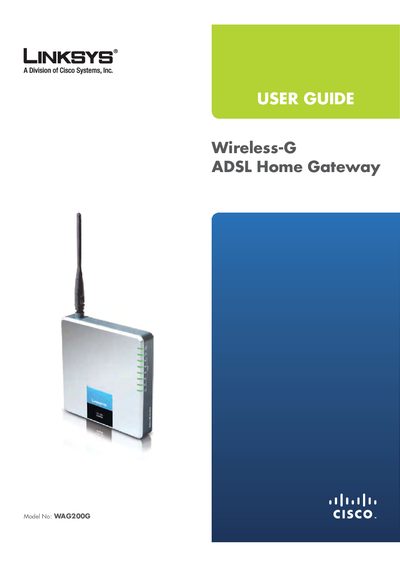
The WAG200G is a Wireless‑G ADSL Home Gateway that lets you connect to the Internet via DSL or Ethernet and share the connection wirelessly. It includes four Ethernet ports, a DSL port, and LEDs that indicate power, wireless activity, and connection status.
The manual covers product overview, wireless security checklist, installation steps, advanced configuration, troubleshooting, specifications, warranty, and regulatory information. It explains how to reset the device, access the web‑based utility, and configure basic and advanced settings such as IP setup, wireless security, and QoS.
Press and hold the Reset Front Panel button for about five seconds, or use Administration > Factory Defaults in the web utility.
Enter the gateway’s default IP address, 192.168.1.1, in a web browser.
The default username and password are both “admin”.