
HP Color LaserJet 3000, 3600 and 3800 series Printers User Guide. Introduces the use of the printer.
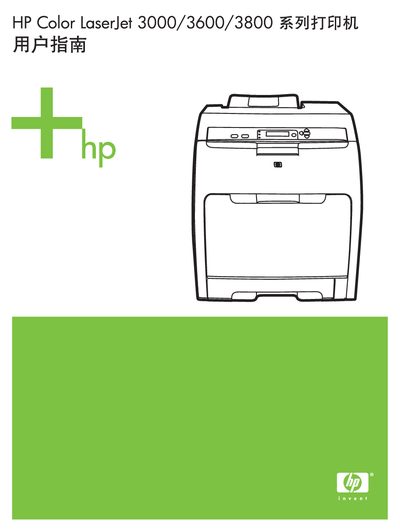
This manual provides detailed instructions for installing, configuring, and operating HP Color LaserJet 3000, 3600, and 3800 series printers. It includes information on hardware components, control panel functions, and supported network interfaces.
The guide also describes how to use HP Easy Printer Care Software for status monitoring and troubleshooting, outlines supported software drivers, and lists HP support contact numbers for the United States and Canada. Additional sections cover disabling unused network protocols and using HP Jetdirect EIO accessories. This manual is written in Chinese.
Use HP Easy Printer Care Software to view printer status and access troubleshooting information.
Call 1‑800‑538‑8787 for HP support in the United States.
Disable AppleTalk in the printer’s network settings.