
Key facts
Start here
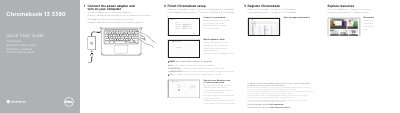
Dell Chromebook 13 3380 Quick Start Guide
This document is a Quick Start Guide for the Dell Chromebook 13 3380. It provides step-by-step instructions for initial setup, including connecting the power adapter, turning on the computer, completing the setup wizard, connecting to a network, waiting for updates, and signing in to a Google account. It also notes that the computer will restart after a Google update.
Read onlineDell Chromebook 13 3380 specifications
| Card reader | microSD |
|---|---|
| Audio port | Universal audio |
| Activity light | Dell Activity Light |
All Dell Chromebook 13 3380 documents by type
The shortest path to a working setup, usually only a few pages.
Day-to-day operation, settings and troubleshooting. Start here if the product is already set up.
Questions answered in these manuals
What happens after the Google update?
Your computer will restart after the Google update is finished.
Where can I find information about the Dell Limited Hardware Warranty?
You can find details by visiting the link Dell.com/warranty.
How do I turn on the Dell Chromebook 13 3380?
Connect the power adapter and turn on your computer.
What should I do while the Chromebook is updating?
Wait for update to finish.
What happens after the Google update?
Your computer will restart after the Google update is finished.
What steps must be completed before using the Chromebook?
You must connect the power adapter, finish the setup, connect to a network, wait for the update to finish, and sign in to your Google account.