
The Chromebook 13 3380 Quick Start Guide provides instructions on how to connect the power adapter, complete Chromebook setup, connect to a network, and sign in to your Google account or create a new account.
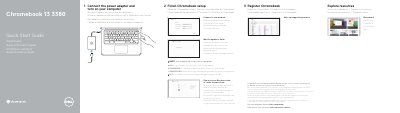
This guide helps you set up your Dell Chromebook 13 3380 by connecting the power adapter, finishing setup, and signing in to your Google account. It also lists the device’s features, including ports, camera, microphone, and battery status indicators.
For support, visit Dell’s support site or Google’s Chromebook help center. The guide includes multilingual instructions and links to warranty and service contracts.
Connect the power adapter and turn on your computer.
Your computer will restart.
Chromebook 13 3380.