
The Chromebook 13 3380 Quick Start Guide provides instructions on how to connect the power adapter, finish Chromebook setup, connect to a network, and sign in to your Google account or create a new account.
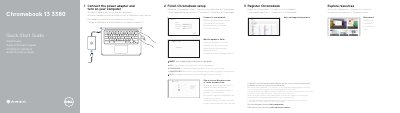
This document serves as a quick start guide for the Dell Chromebook 13 3380. It provides instructions on connecting the power adapter, turning on the computer, and completing the initial setup process. The guide also details how to connect to a network, wait for updates to finish, and sign in to a Google account.
Your computer will restart after the Google update is finished.
You must connect the power adapter, finish the setup, connect to a network, wait for the update to finish, and sign in to your Google account.
The computer will restart after the Google update is complete.
Information about the warranty and service contracts is available at Dell.com/warranty and Dell.com/servicecontracts.