
Dell Chromebook 13 3380 Computer Quick Start Guide

The Chromebook 13 3380 Quick Start Guide provides instructions on how to connect the power adapter, finish Chromebook setup, connect to a network, and sign in to your Google account.
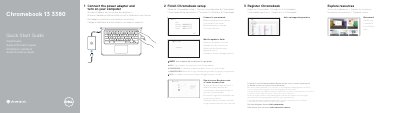

Dell Chromebook 13 3380 Computer Quick Start Guide - cover page
Brand
DELL
Category
Laptops
Document type
Quick Start Guide
Language
English
Pages
2
File format
PDF
File size
425 KB
Published
24 November, 2023
Updated
24 November, 2023
MD5 checksum
979F96555D7FF0E3C428982A7C572A6E

About this manual

This Quick Start Guide helps you set up the Dell Chromebook 13 3380 computer. It explains how to connect the power adapter, turn on the computer, complete Chromebook setup, connect to a network, wait for updates, and sign in to a Google account.

The guide also shows the computer's features, including ports, buttons, card reader, and status lights. It provides links for Dell registration, warranty, service contracts, and product support.

What's inside

  • Connect the power adapter and turn on your computer
  • Finish Chromebook setup
  • Connect to your network
  • Wait for update to finish
  • Sign in to your Google account or create a new account
  • Register Chromebook
  • Features
  • Product support and manuals

Specifications

Card readermicroSD
Audio portUniversal audio
Activity lightDell Activity Light

Frequently asked questions

How do I turn on the Dell Chromebook 13 3380?

Connect the power adapter and turn on your computer.

What should I do while the Chromebook is updating?

Wait for update to finish.

Which account do I need to sign in to the Chromebook?

Sign in to your Google account or create a new account.

Download PDF (425 KB)

More DELL Manuals


View all DELL manuals →