
Key facts
Start here
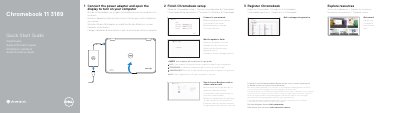
Dell Chromebook 11 3189 Quick Start Guide
Quick Start Guide 2 pages · 625 KB · EN
This guide covers initial Chromebook setup steps, including connecting to a network, waiting for updates, signing in, and registering the device. It also lists the Chromebook's external features and ports.
Support, community, business and education, and regulatory information are included, along with the Dell service tag label and computer model details.
Dell Chromebook 11 3189 specifications
| USB ports | USB 3.0 ports |
|---|---|
| HDMI port | HDMI port |
| microSD card reader | microSD card reader |
| Universal audio jack | Universal audio jack |
All Dell Chromebook 11 3189 documents by type
Quick Start Guide 4
The shortest path to a working setup, usually only a few pages.
Service Manual 1
Disassembly, diagnostics and part numbers, for repair.
Questions answered in these manuals
Where can I register the Chromebook?
Registration is available at Dell.com/support/registration.
Where can I find product support and manuals?
Product support and manuals are available at Dell.com/support.
How do I turn on the computer?
Connect the power adapter and open the display.
What happens after the Google update?
The computer will restart.
How do I turn on the Dell Chromebook 11 3189?
Connect the power adapter and open the display.
What happens after a Google update?
The computer will restart.