
The Chromebook 11 3189 Quick Start Guide provides instructions on how to set up and use the Chromebook 11 3189.
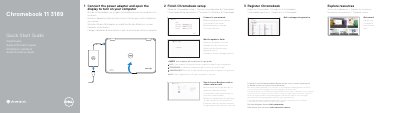
This guide covers initial Chromebook setup steps, including connecting to a network, waiting for updates, signing in, and registering the device. It also lists the Chromebook's external features and ports.
Support, community, business and education, and regulatory information are included, along with the Dell service tag label and computer model details.
| USB ports | USB 3.0 ports |
|---|---|
| HDMI port | HDMI port |
| microSD card reader | microSD card reader |
| Universal audio jack | Universal audio jack |
Registration is available at Dell.com/support/registration.
Product support and manuals are available at Dell.com/support.