
This document is the user manual of D-Link AirPlusTM G DWL-G122 802.11g USB Wireless Adapter, which includes installation, configuration and usage methods.
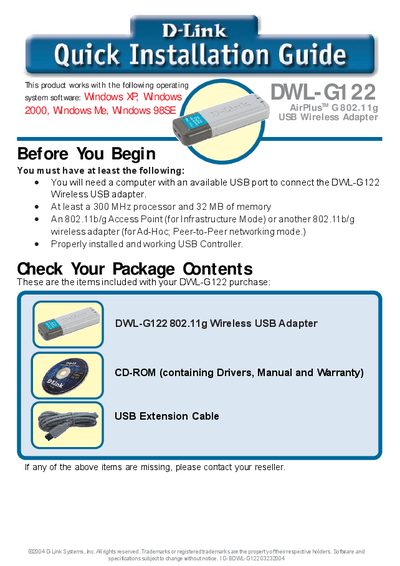
The DWL-G122 is a D-Link 802.11g Wireless USB Adapter that connects a desktop or laptop to a wireless network via a USB port. This guide walks you through the required hardware, software installation, and initial configuration steps.
Start by verifying the package contents and system requirements, then insert the supplied CD, run the driver installer, and follow the on‑screen prompts. After the driver installs, the AirPlus G configuration utility launches automatically; use it to select and connect to an available wireless network.
| Wireless Standard | 802.11g |
|---|---|
| Interface | USB |
After the driver installation finishes, the D-Link AirPlus G configuration utility starts automatically and its icon appears in the system tray; double‑click the icon to open the utility.